

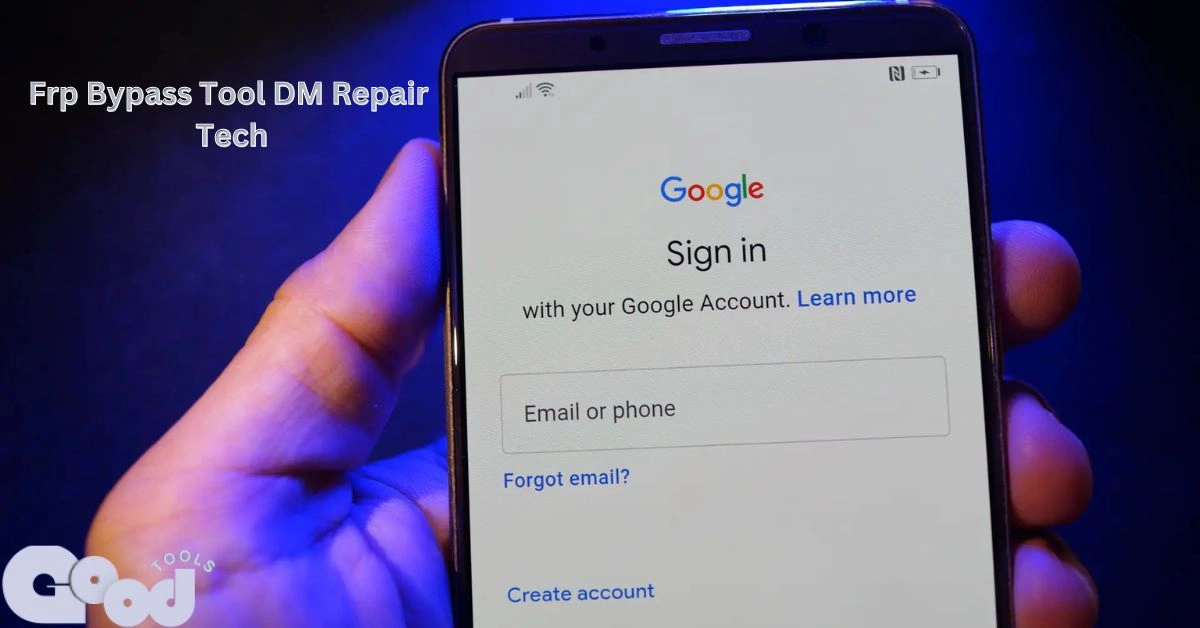
When you reset your Android phone and suddenly see the Google verification screen asking for the old account, it can feel like you’re locked out of your own device. This is a common issue caused by Factory Reset Protection (FRP) — a feature added by Google to protect user data.
- What Is Factory Reset Protection (FRP)?
- What Is FRP Bypass Tool DM Repair Tech?
- Main Features of FRP Bypass Tool DM Repair Tech
- Why Users Prefer DM Repair Tech Tool
- How to Download FRP Bypass Tool DM Repair Tech
- How to Use FRP Bypass Tool DM Repair Tech
- Safety Tips Before Using the Tool
- Troubleshooting Common Issues
- Alternative Tools You Can Try
- Benefits of Using FRP Bypass Tool DM Repair Tech
- Legal Use and Responsibility
- Frequently Asked Questions
- 1. What is the FRP Bypass Tool DM Repair Tech used for?
- 2. Is using the FRP Bypass Tool DM Repair Tech safe?
- 3. Which Android versions does the FRP Bypass Tool DM Repair Tech support?
- 4. Do I need a computer to use the FRP Bypass Tool DM Repair Tech?
- 5. Is using the FRP Bypass Tool DM Repair Tech legal?
- Final Words
If you’ve forgotten your Google credentials or purchased a second-hand phone still linked to the previous owner, the frp bypass tool dm repair tech can help you unlock the device safely. This guide explains what the tool is, how it works, and how you can use it effectively.
What Is Factory Reset Protection (FRP)?
Factory Reset Protection is a security feature built into Android devices. It activates automatically when you add a Google account to your phone. Once you perform a factory reset, the device will ask for that same account’s credentials before it allows setup.
This security measure prevents stolen phones from being used by others. However, it also locks out legitimate users who may have simply forgotten their password or bought a used phone that wasn’t properly reset.
For more details on how FRP works and why Google added this feature, read this guide on Android Central.
That’s where frp bypass tool dm repair tech comes into play — it removes the FRP lock and restores full access to your phone.
What Is FRP Bypass Tool DM Repair Tech?
The frp bypass tool dm repair tech is a specialized software program designed to remove Google’s Factory Reset Protection lock from Android devices. It is widely used by both smartphone repair shops and individual users to regain access to locked phones without needing to flash firmware or use complex commands.
This lightweight tool supports most Android brands, including Samsung, Vivo, Oppo, Xiaomi, Infinix, Tecno, Huawei, and Nokia. It can handle multiple Android versions and offers one of the simplest methods to bypass Google account verification.
Main Features of FRP Bypass Tool DM Repair Tech
1. Wide Device Compatibility
The tool works across a wide range of Android versions, from older models running Android 7 to the latest ones with Android 13 or higher.
2. User-Friendly Interface
You don’t need to be a technician to use it. The interface is designed for everyday users, making the process smooth and quick.
3. Fast Unlock Process
Unlike manual bypass methods that require multiple apps or complex setups, this tool completes the process in just a few minutes.
4. No Cost Involved
The frp bypass tool dm repair tech is available for free. Users can download the newest version without subscription fees or hidden costs.
5. Regular Updates
The developers frequently update the software to ensure it works with the latest Android patches and security updates.
6. No Data Loss
The tool focuses only on removing the FRP lock — your phone’s personal data, apps, and settings remain safe.
Why Users Prefer DM Repair Tech Tool
With dozens of FRP bypass tools online, the DM Repair Tech version stands out for its reliability and simplicity.
- It’s completely free and doesn’t require technical skills.
- It works on many Android brands.
- It unlocks devices quickly and safely.
- It’s trusted by professional repair technicians.
Most users appreciate that it provides real results without unnecessary steps or hidden charges.
How to Download FRP Bypass Tool DM Repair Tech
To use the tool effectively, make sure you download it from an official or trusted source. Here’s how:
- Visit the official DM Repair Tech website or a trusted Android tools site.
- Search for the latest version of frp bypass tool dm repair tech.
- Click “Download” and save the setup file to your computer.
- If the file is compressed (ZIP or RAR), extract it using WinRAR or 7-Zip.
- Double-click the setup file and follow the installation instructions.
Always verify the file’s authenticity and scan it with antivirus software before installation to ensure safety.
For readers who are also interested in practical tech and finance guides, check out this article: How to Calculate Interest Reserve for Construction Loan.
How to Use FRP Bypass Tool DM Repair Tech
Once the software is installed, follow these steps to remove the FRP lock from your phone:
Step 1: Prepare Your Device
Charge your phone and connect it to Wi-Fi. If possible, enable “USB Debugging” from Developer Options.
Step 2: Connect Your Phone
Use a reliable USB cable to connect your phone to your PC. Wait for the program to detect your device.
Step 3: Open the Tool
Launch the frp bypass tool dm repair tech on your computer. The dashboard will display a few key options.
Step 4: Select the Correct Model
From the list of available brands, choose your phone’s manufacturer (Samsung, Oppo, Vivo, etc.).
Step 5: Start the Process
Click “Start” or “Bypass FRP.” The tool will send a command to your device and begin the unlocking process.
Within minutes, your phone will restart without asking for the old Google account details. You can then set it up as a new device.
Safety Tips Before Using the Tool
While this tool is safe to use, it’s important to follow these best practices:
- Download from verified sources only: Avoid random sites offering “modified” versions.
- Use on your own phone: FRP removal should be done only for legitimate purposes.
- Don’t disconnect during the process: Interrupting the connection may cause the operation to fail.
- Keep your antivirus running: Always ensure your PC is protected.
These small steps protect your data and make the process smooth and risk-free.
Troubleshooting Common Issues
If the tool doesn’t work on the first try, here are quick fixes:
- Phone not detected:
Reinstall the USB drivers and reconnect your phone. - Process stuck:
Restart both the phone and computer, then run the program again. - Older version issue:
Download the latest release from the official source.
Following these steps usually resolves most technical glitches.
Alternative Tools You Can Try
While frp bypass tool dm repair tech is one of the best options, a few alternatives are also popular:
- SamFirm FRP Tool – ideal for Samsung users.
- GSM Flasher FRP Tool – works on multiple Android models.
- SP Flash Tool – preferred for MediaTek devices.
These tools serve the same purpose but may require more technical know-how.
Benefits of Using FRP Bypass Tool DM Repair Tech
- It saves time by automating the unlock process.
- Works with the latest Android updates.
- No paid licenses or registrations required.
- Helps regain access to your phone without flashing firmware.
- Keep your data and settings intact.
It’s a practical solution for anyone dealing with a Google verification lock.
Legal Use and Responsibility
Before using any FRP tool, it’s important to understand its legal aspect. Bypassing FRP is only permitted for devices you personally own. Using such tools to unlock stolen or unauthorized phones is illegal and punishable under digital privacy laws.
Always use this tool ethically and responsibly.
Frequently Asked Questions
1. What is the FRP Bypass Tool DM Repair Tech used for?
The FRP Bypass Tool DM Repair Tech is used to remove Google account locks (Factory Reset Protection) from Android phones. It helps regain access to a device when the original Google ID and password are unavailable.
2. Is using the FRP Bypass Tool DM Repair Tech safe?
Yes, it is safe when downloaded from a trusted source. Always use the latest version to avoid malware or compatibility problems, and follow the step-by-step instructions carefully to prevent data loss or system errors.
3. Which Android versions does the FRP Bypass Tool DM Repair Tech support?
The tool works with most Android versions, generally from Android 6 up to Android 14. It is compatible with many popular brands such as Samsung, Xiaomi, Oppo, Vivo, and Huawei, though compatibility can vary by model.
4. Do I need a computer to use the FRP Bypass Tool DM Repair Tech?
In most cases, yes—a PC is required. However, some versions offer an APK that can be installed directly on the phone, so check the version details before you begin.
5. Is using the FRP Bypass Tool DM Repair Tech legal?
Yes, it is legal when used to recover your own device. Using the tool on someone else’s phone without permission or on stolen devices is illegal and unethical.
Final Words
The frp bypass tool dm repair tech offers a simple and effective way to remove FRP locks from Android devices. Whether you’ve forgotten your Google credentials or purchased a pre-owned phone that’s still locked, this tool provides a clean solution without data loss or complex procedures.
It’s free, reliable, and widely compatible — making it a preferred choice among Android users and repair technicians alike. With just a few clicks, you can bring your phone back to life and continue using it without restrictions.
By following the safe download and usage steps shared above, you’ll not only fix the issue but also avoid potential risks. Always use the official version, stay informed, and handle your phone securely.